Structure Designer User Interface
The Structure Designer has two main user interface components: a Graphics Window which takes up the entire available area of your browser tab (outlined in red, below), and a draggable menu of Vault Design options and settings on the left (outlined in blue).
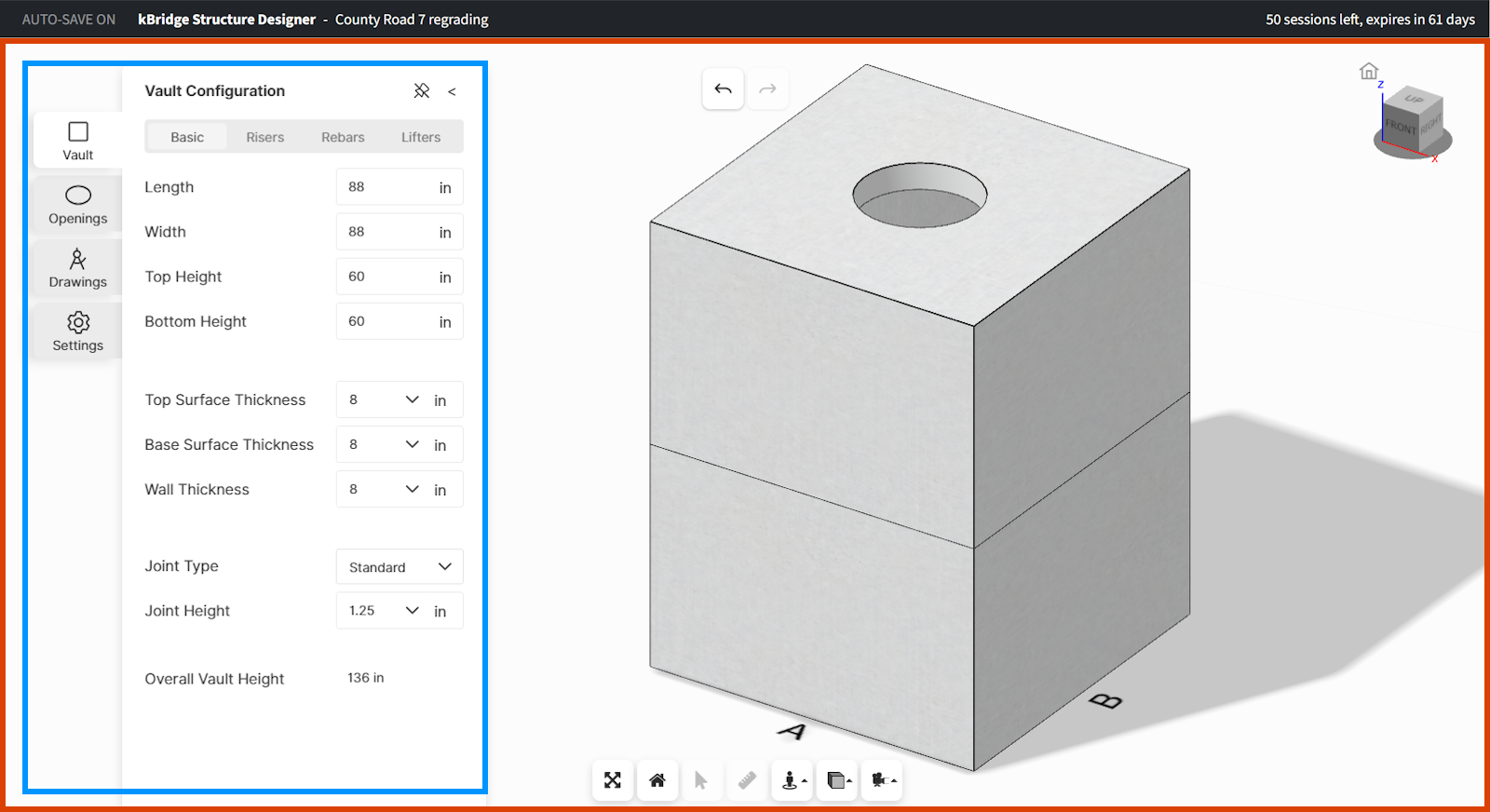
The options menu can be dragged to any location within the overall Graphics Window. The menu can be collapsed or expanded as you wish.
In the following topic, we'll describe the use of the Graphics Window controls and capabilities.